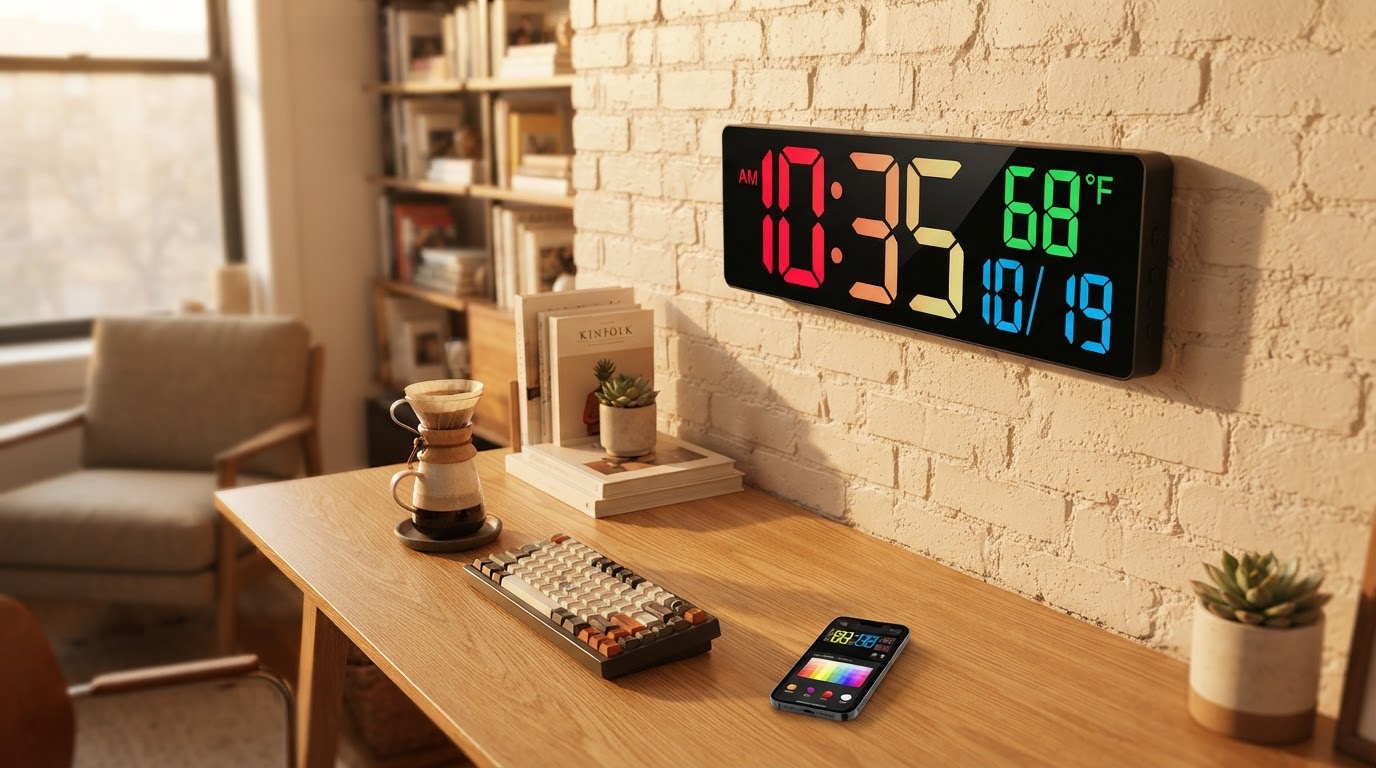
Why choose the Smart RGB Clock for pixel art displays?
 Sam VasquezBuying Guide Lead
October 19, 2026 — The Smart RGB Clock serves as a versatile high-resolution alternative to traditional low-density pixel displays, provided you prioritize color accuracy over retro blockiness.
Gaming enthusiasts and creative professionals often seek out these displays to bridge the gap between functional timekeeping and personal expression on a desk. While many look for simple sprite animations, the hardware choice determines whether those graphics look like sharp modern assets or nostalgic 8-bit icons. Choosing the right device involves weighing the density of the LED matrix against the software ecosystem supporting the animations.
How does the Smart RGB Clock compare to the Divoom Times Gate?
Between these two, I'd go with the Smart RGB Clock for a cleaner, unified aesthetic, whereas the Divoom is the clear winner for those who want a multi-screen cyberpunk command center. The Divoom Times Gate features five separate 128x128 pixel LCD screens, according to product specifications from Divoom, which allows for simultaneous tracking of stock prices, social media followers, and animated GIFs. This multi-window approach is excellent for information density but creates a fragmented visual field. In contrast, the Smart RGB Clock focuses on a singular, high-impact visual area that integrates more naturally into a professional workspace without the cluttered look of multiple small monitors. The Smart RGB Clock provides a smoother color gradient that suits modern UI elements, while the Divoom hardware excels at replicating the specific chunkiness of classic sprites found on platforms like itch.io. If you're on a budget, you might be tempted by smaller single-screen units, but the build quality of these two remains the benchmark for the category.
Which pixel art clock is best for custom animations?

Photo by Tima Miroshnichenko on Pexels
The Smart RGB Clock offers the most streamlined path for users who want to upload custom photography or high-fidelity art, while dedicated pixel displays are better for frame-by-frame sprite work. According to community resources on Pinterest, alarm clock pixel art often relies on specific 16x16 or 32x32 grids to look 'correct,' a style that the Divoom Times Gate handles natively with its pixel-perfect LCD scaling. However, if you want your clock to display a high-resolution family photo or a complex gradient logo, the Smart RGB Clock handles the sub-pixel rendering with far more grace. Skip this if you only care about playing 8-bit Mario animations; a lower-resolution, cheaper matrix will satisfy that itch just fine. Here's what I'd actually buy: the Smart RGB Clock. I prefer the way it handles light diffusion, which avoids the harsh glare often associated with digital alarm clocks with LED backlight. It feels less like a toy and more like a piece of modern retro decor. For those who appreciate the aesthetic of specialized vacuum electronics, comparing this to a smart nixie tube clock replica shows that the RGB route offers significantly more functional flexibility for daily data tracking.
Quick answers
Q: Can I display my own images on these clocks? A: Yes, the Smart RGB Clock and the Divoom Times Gate both support custom uploads via their respective mobile apps. The Divoom model specifically supports 128x128 resolution animations, while the Smart RGB Clock can downscale higher resolution images to fit its display.
Q: Do these clocks require a constant Wi-Fi connection? A: Most features, including time synchronization and weather updates, require a 2.4GHz Wi-Fi connection. Without internet, the Smart RGB Clock functions as a standard digital timepiece but loses its ability to pull live data or update its pixel art gallery.
Q: How many screens does the Divoom Times Gate have? A: The Divoom Times Gate is equipped with 5 individual full-color LCD screens. Each screen can be programmed independently to show different metrics or a spanning animation across all five panels.
Learn more about Smart RGB Clock at https://smartrgbclock.com.
Sources

Photo by Monstera Production on Pexels
- Divoom Times Gate Pixel Art Info Display with 5 Smart LCD Screens
- Pixel clock Images - Free Download on Magnific (formerly Freepik)
- Top free game assets tagged clock and Pixel Art - itch.io