
Smart RGB Wall Clock FAQ: WiFi, App Setup, and Features Answered
Does the [Smart RGB Clock run](/blog/setting-up-smart-rgb-clock-productivity) on batteries?
No, the clock is not wireless and must be plugged in during use. It is powered by a plug-in charger using an included 5V / 2A power adapter and an 11.5 feet cable cord. For comprehensive room placement guidance, review the main guide.How do I connect the clock to the EasyEra app?
Plug the clock into power and open the EasyEra app on your mobile device. Follow the guidance video provided in the app to pair via Bluetooth and Wi-Fi. Connecting enables auto network time sync and smart control via Alexa.
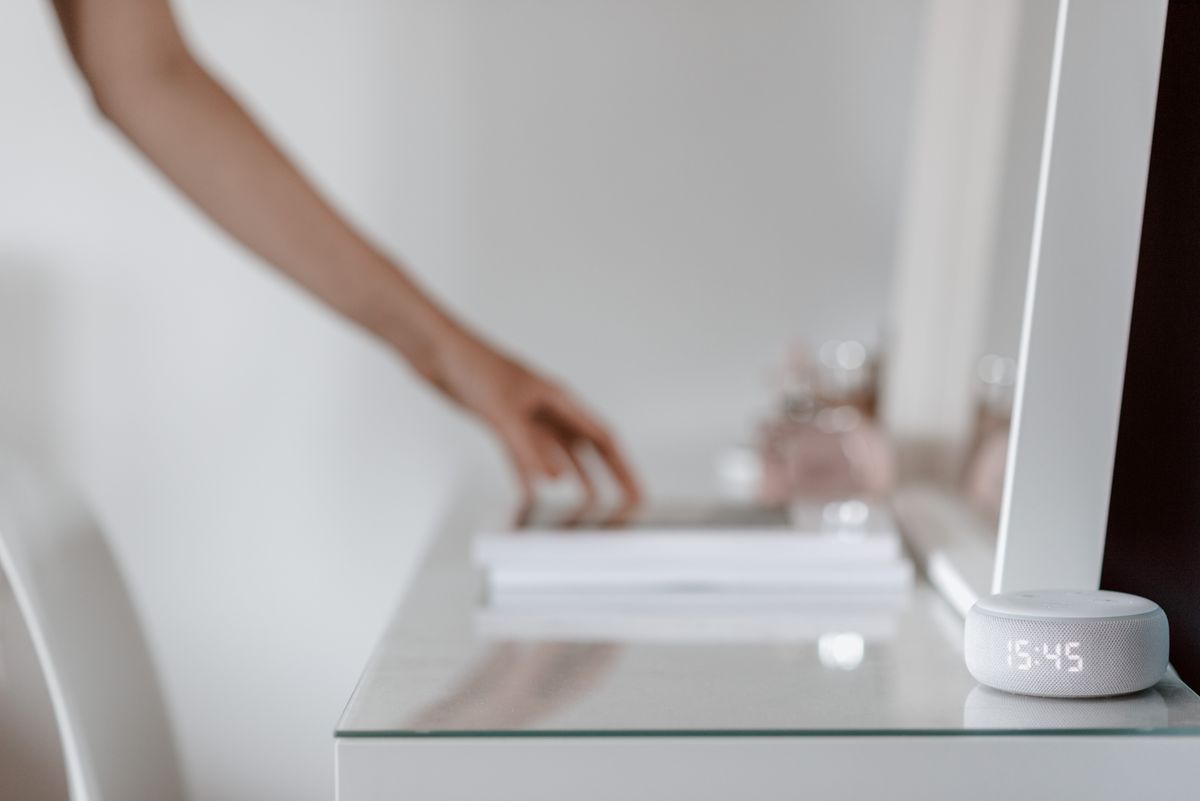
Photo by Anete Lusina on Pexels
What is the difference between the available versions?
There are two distinct versions: Version (a) APP+ Remote supports the EasyEra app, remote control, and Bluetooth connectivity with Alexa support over Wi-Fi. Version (b) No APP-Non Smart includes remote control and Bluetooth features without smart app or Wi-Fi connectivity.Can I mount this clock in a home gym or workout space?
Yes! The clock features built-in workout timer modes that support interval training and HIIT routines. Its extra-large 16.5” digital display ensures clear readability across large rooms.Read the full guide: Ultimate Guide to Gaming Room Lighting and Wall Decor Ideas
cluster-generatorclusterfaq