
How to Create an Immersive Music Sync Lighting Setup for Your Gaming Room
Setting up reactive sound lighting transforms your gaming environment into a dynamic lightshow. By incorporating reactive wall elements, sound waves from your gaming audio or music directly drive ambient room effects.
For a complete overview of aesthetic layouts, refer to the main guide.
Step 1: Map Out Your Focal Wall and Audio Source
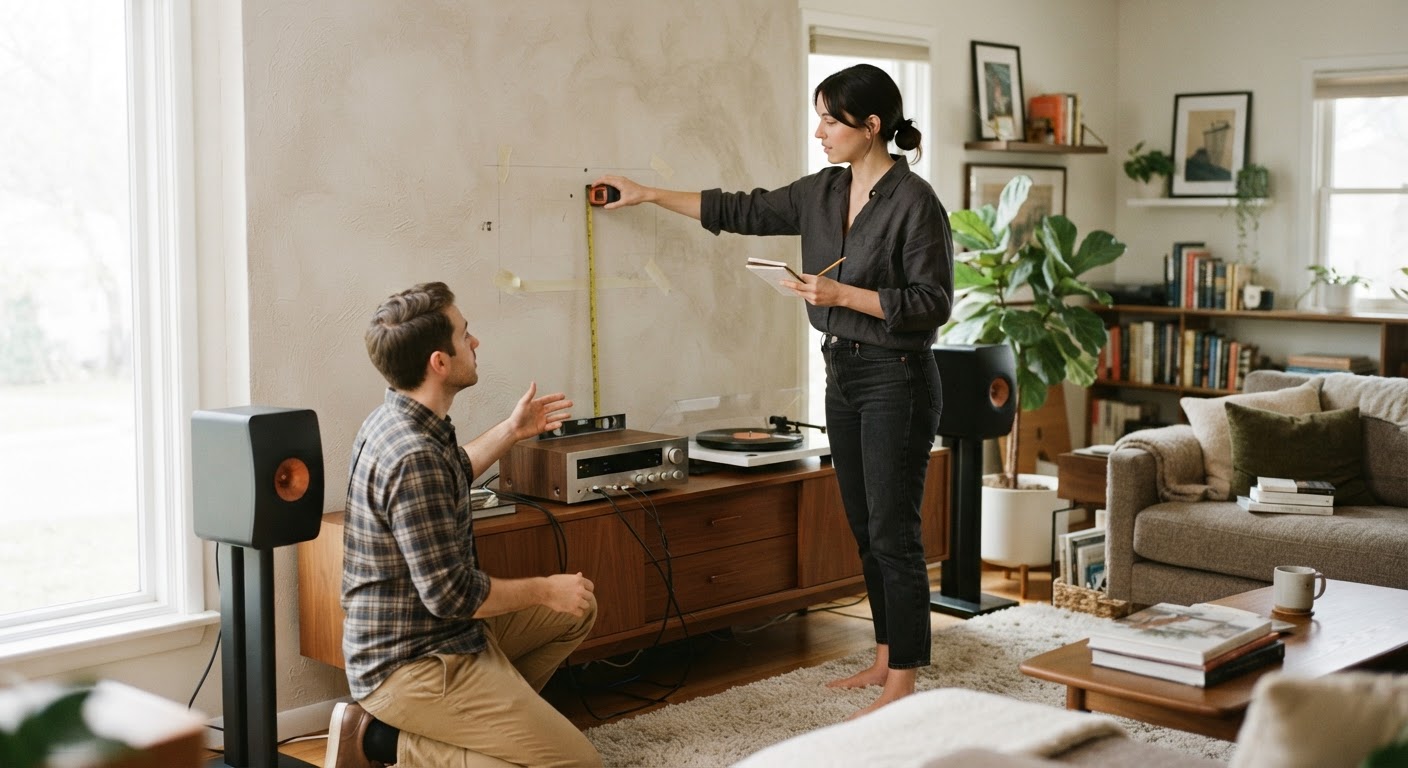
Identify the primary wall space visible in your camera field or directly behind your main display screen. Ensure there is a nearby power outlet. The Smart RGB Clock requires constant power via a 5V / 2A power adapter and uses an included 11.5 feet cable cord, so route your wiring path cleanly.
Step 2: Mount Your Smart RGB Display
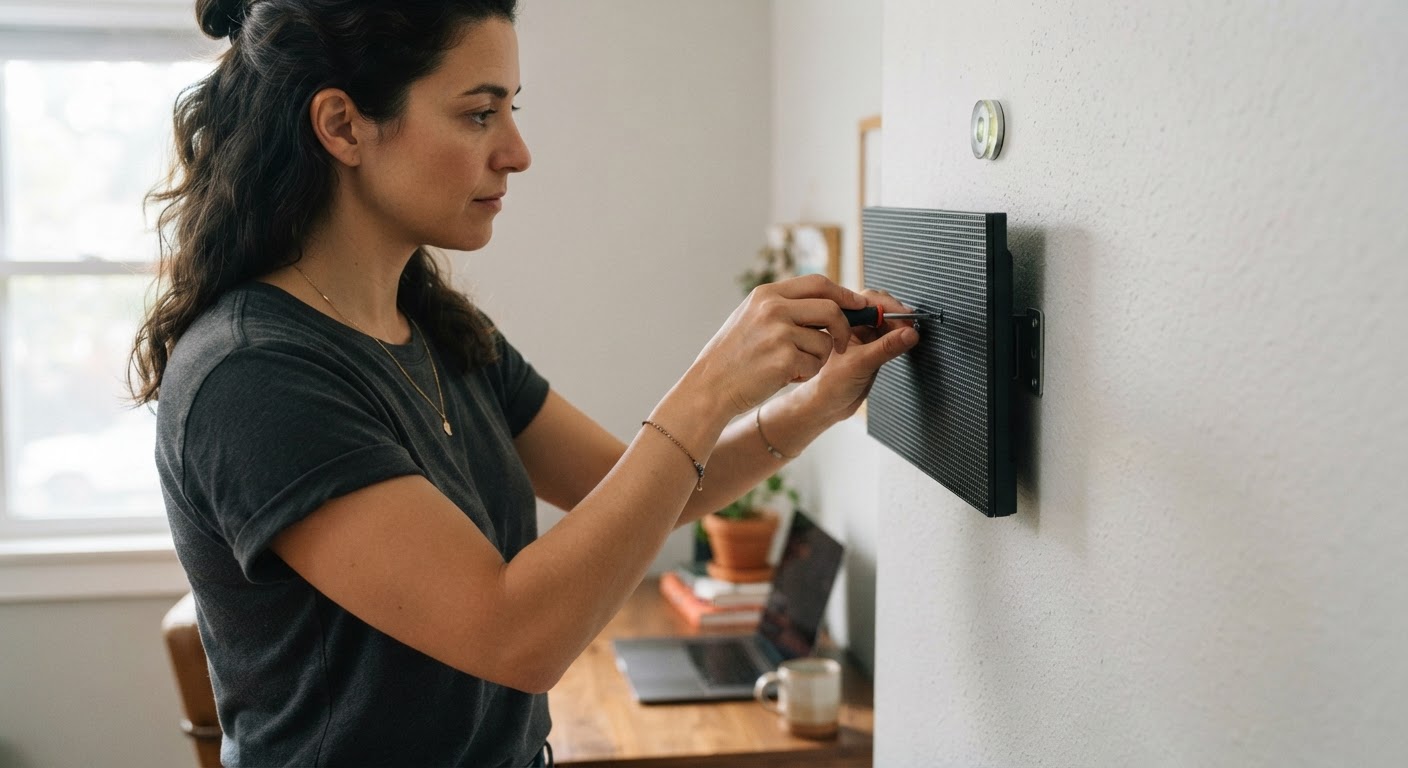
Securely mount your display. With a package weight of 1.67 lb and dimensions suited for wall visibility, ensure the clock is leveled and positioned centrally for maximum visual impact.
Step 3: Connect to the EasyEra App and WiFi
Plug in the device and open the EasyEra app on your phone. Connect the clock to your network following the guided instructions. This enables both network time synchronization and smart device controls through Alexa via WiFi.Step 4: Calibrate Music Sync RGB Mode
Navigate to the lighting presets within the app and select the Music Sync RGB Mode. The built-in backlight reacts in real time to surrounding sound, providing dynamic reactive illumination to your setup during intense gaming sessions or listening parties.Read the full guide: Ultimate Guide to Gaming Room Lighting and Wall Decor Ideas